Paperwork done before the visit, under your own brand.
The Everchart patient portal lets patients register, complete their health questionnaire, upload ID, residency proof and medical records from a phone, and request a visit time. Everything lands in the chart flagged as patient-submitted for staff review. Clinics can use their own name, logo, colors and custom domain and hide all Everchart branding.
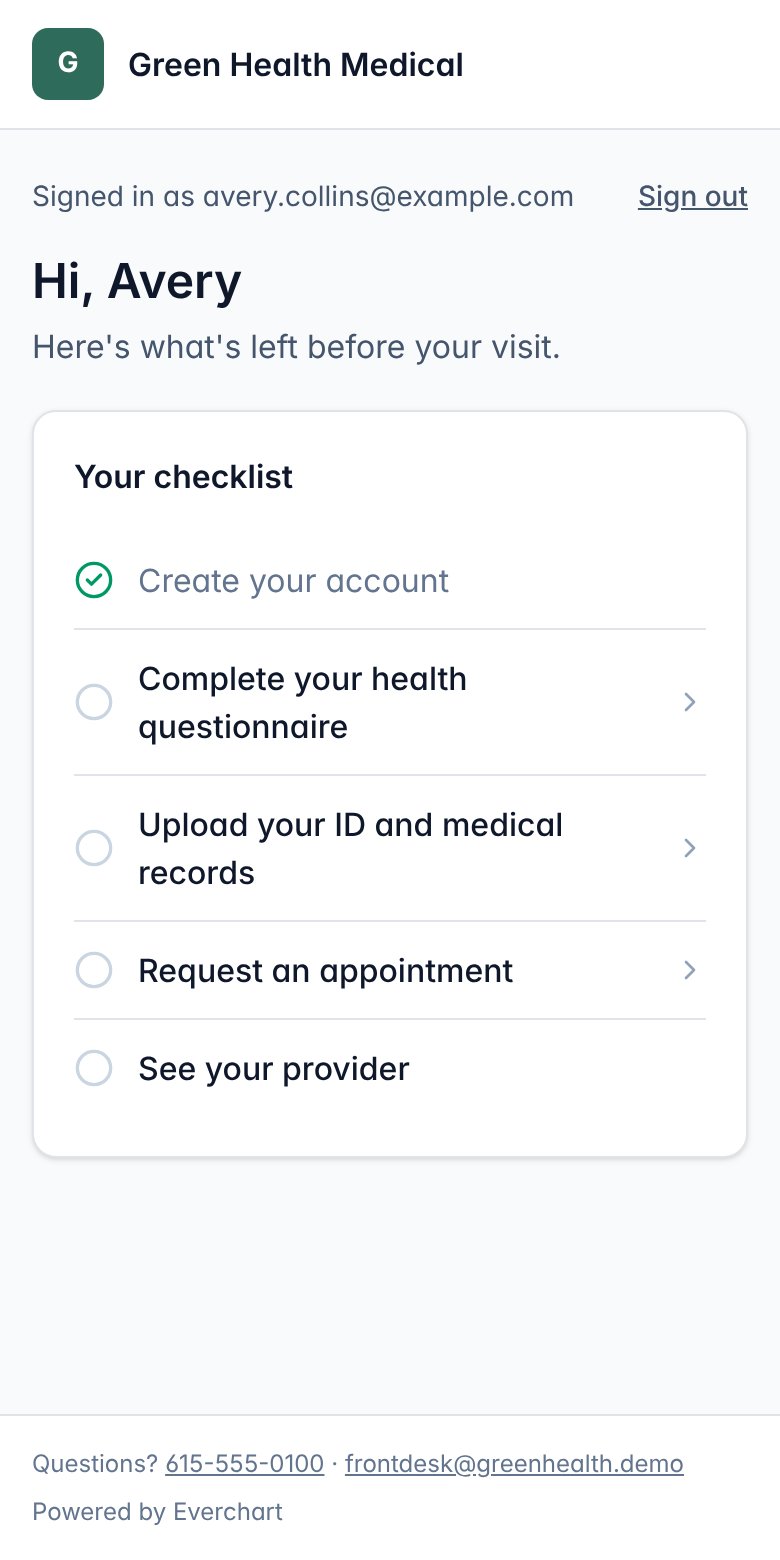
Your brand, your domain
Set the name, logo, brand color, welcome message and support contacts, and serve it from a domain like portal.yourclinic.com.
No passwords to forget
Patients sign in with a one-time code sent to their email.
Phone-friendly uploads
Patients photograph their ID and records with their phone camera. Files are type-checked and stored privately.
Requests, not double-bookings
Patients request a date and time of day. Staff confirm the actual slot from the appointments screen.
How it works
- 1Share your clinic's registration link or put it on your website.
- 2The patient registers and verifies their email with a one-time code.
- 3They complete the questionnaire, upload documents and request a visit.
- 4Staff review the submission, accept documents and schedule the visit.
Common questions
Do patients need an app?
No. The portal works in any modern phone or computer browser.
Can we remove the platform branding?
Yes. Admins can hide "Powered by Everchart" so patients only see your clinic.
Can patients see other patients or other clinics?
No. Patient accounts are separate from staff accounts, and every portal query is limited to that patient's own record at that clinic.
More features
See it running with your clinic's workflow.
A 30-minute live walkthrough using your state's process. No slides.